Changelog
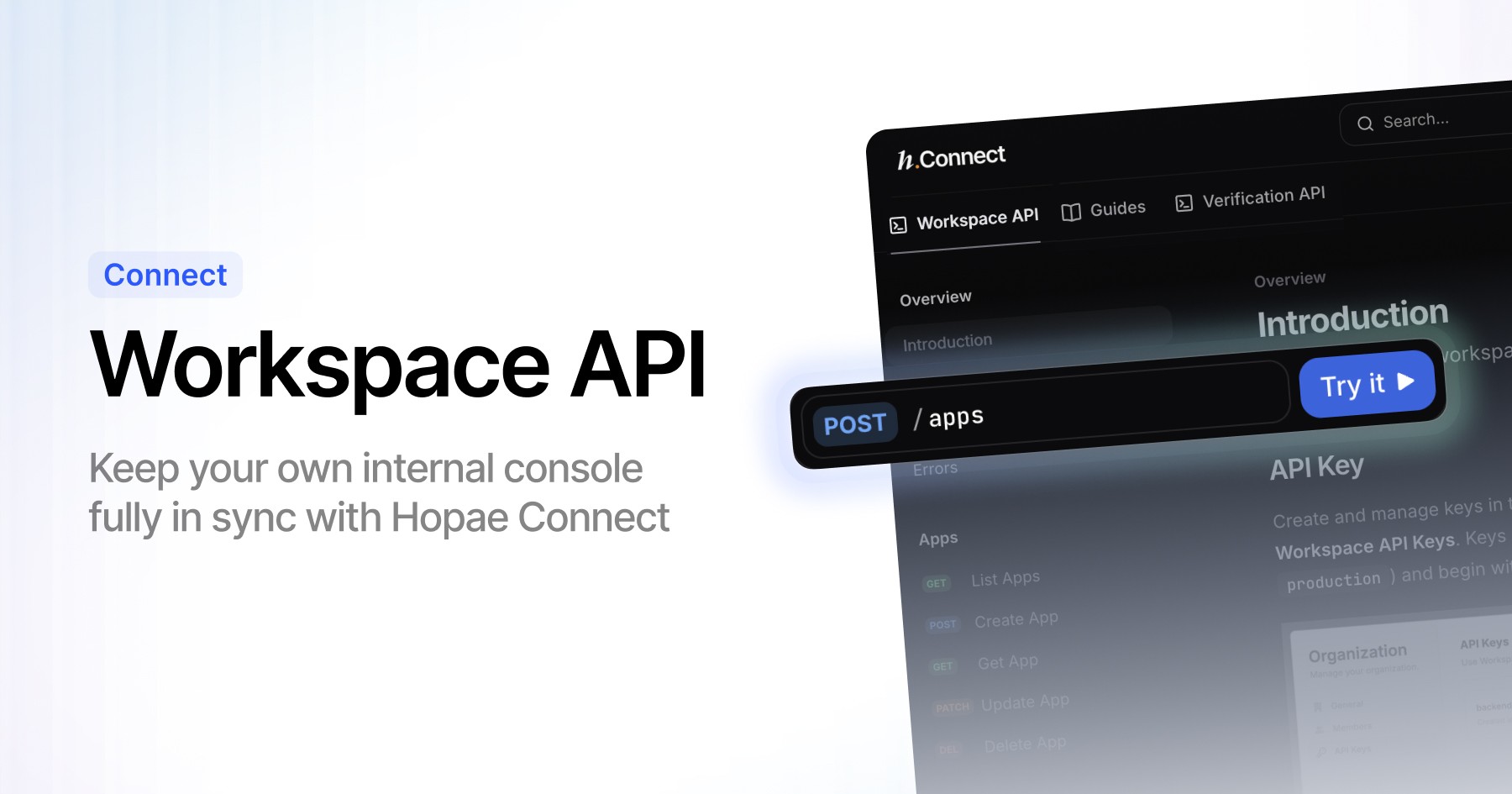
The Workspace API is now live, giving partners full programmatic access to the configuration features previously available only in the Hopae Connect Console.
With the Workspace API, you can now:
Create and manage Applications
Enable and manage ID Providers (eIDs)
Adjust data requirements, policy settings, and environment options
Keep your own internal console fully in sync with Hopae Connect
This release enables platforms to embed Hopae Connect configuration directly into their own admin tools, eliminating the need to switch between multiple dashboards and simplifying enterprise workflows.
The Workspace API was originally part of the roadmap and has now been delivered ahead of schedule to support partner needs.
👉 Full API reference and endpoints are available in the documentation.
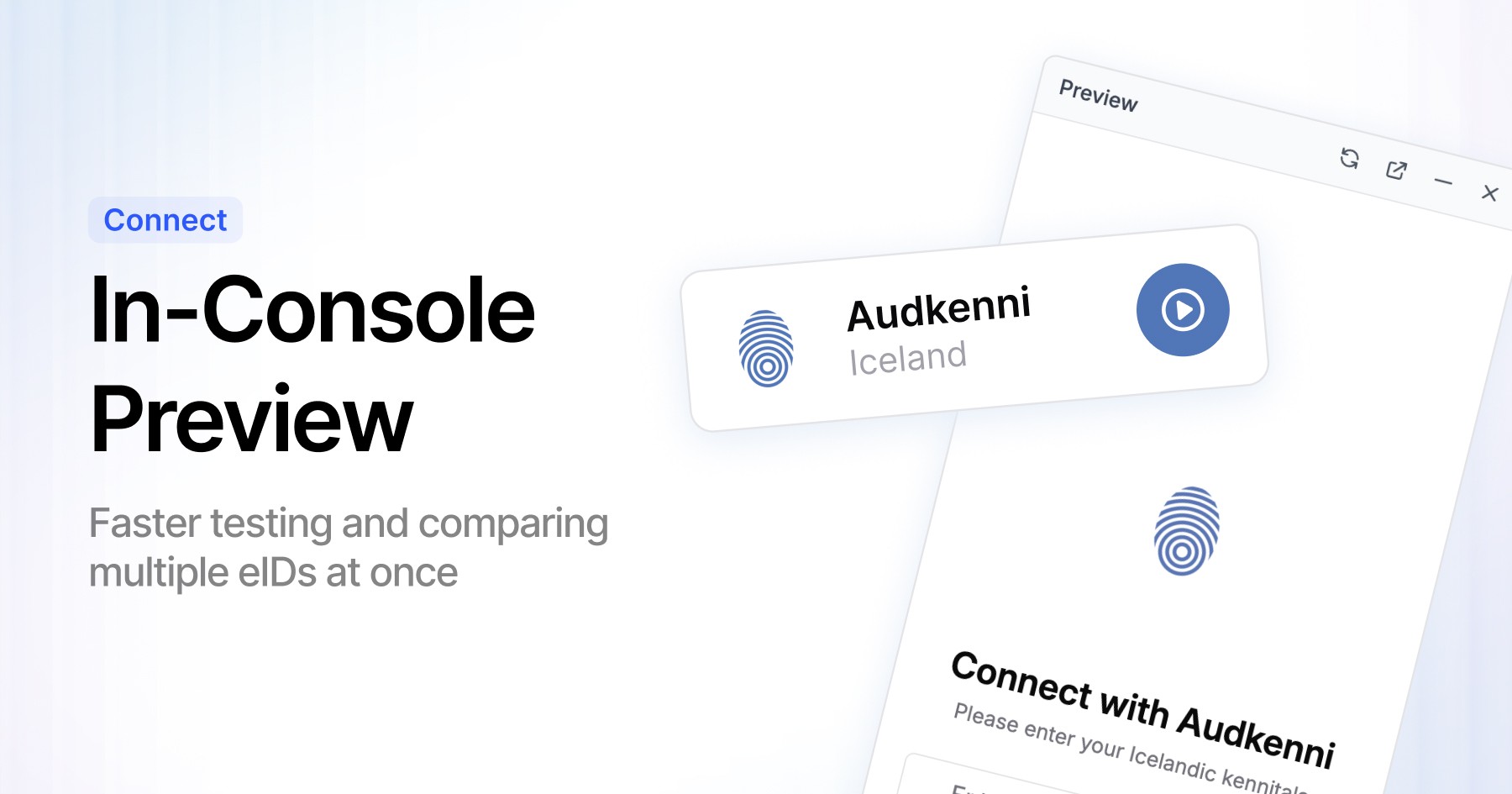
You can now preview ID provider flows directly inside the Hopae Connect Console—no new tabs, no external tools, and no client secrets required.
This update makes it much easier to test and compare multiple eID providers at once:
Switch between providers instantly without leaving the Console
Preview full verification flows in real time
Validate redirects, UI transitions, and provider-specific behaviors side by side
Inspect decoded responses without entering a client secret
Reduce integration time and eliminate repetitive setup steps
Preview gives developers a unified, frictionless way to evaluate eID experiences and ensure everything works before going live.
👉 Available now under ID Providers → Preview in the Console.
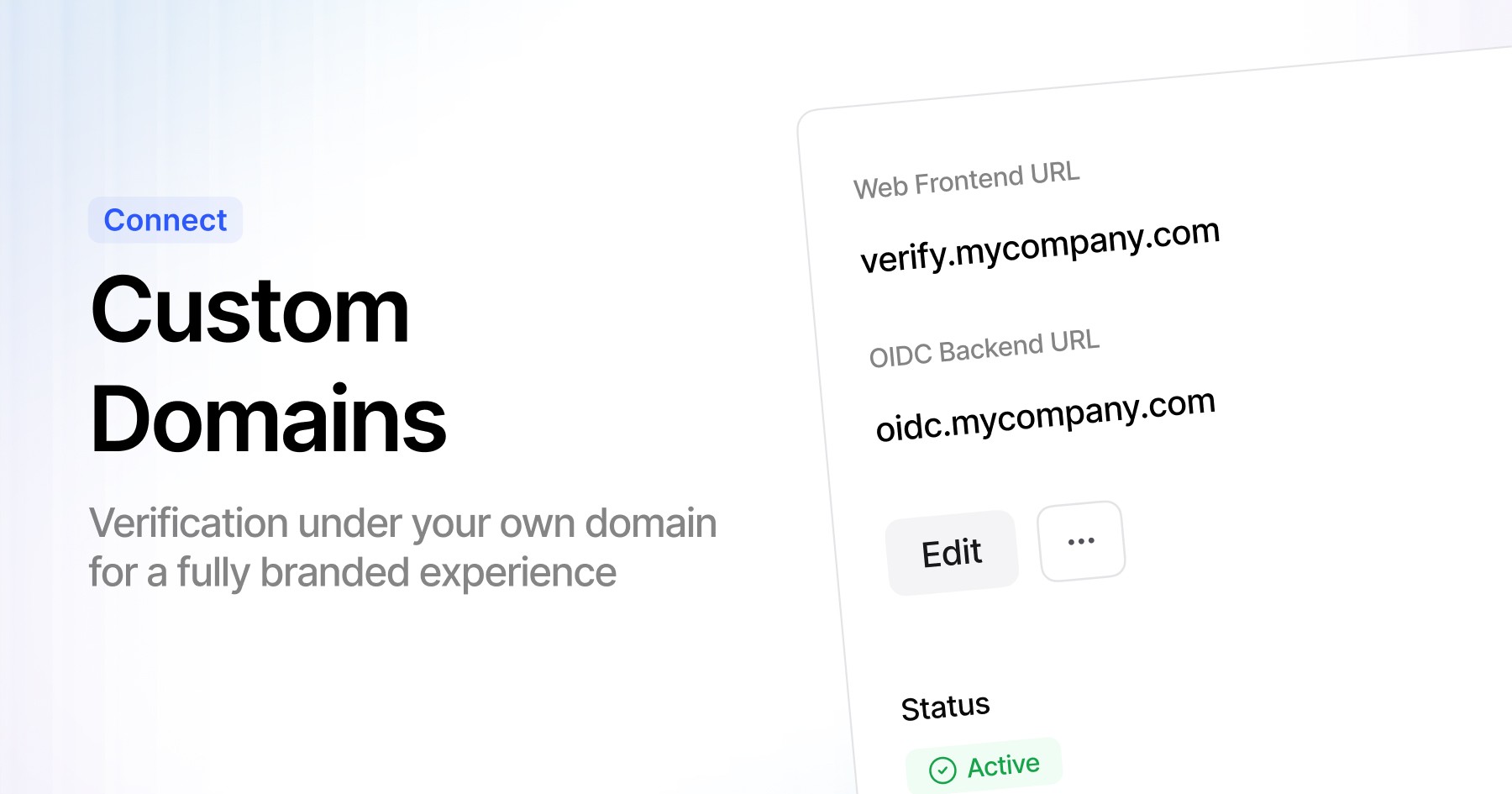
Hopae Connect now supports Custom Domains, allowing you to run identity verification flows under your own domain for a fully branded experience.
With Custom Domains, you can:
Replace the default Hopae Connect URL with your own domain
Deliver a seamless, trust-building experience for your users
Align verification flows with your product’s brand guidelines
Avoid cross-domain redirects and reduce drop-off
Maintain the same API behavior and integration flow—no code changes required
This feature helps enterprises provide a consistent, secure, and branded identity experience across all verification journeys.
👉 Configure your domain under Application → Branding → Custom Domain in the Console.
Hopae Connect is now officially certified for OpenID Connect (OIDC).
This makes it easier for developers and enterprises to:
Integrate with standards-compliant identity providers out of the box.
Reuse existing OIDC libraries and frameworks without custom work.
Improve interoperability across ecosystems and reduce vendor lock-in.
Rely on consistent, security-reviewed flows for authentication and identity exchange.
👉 See the OpenID Connect guide for scopes, claims, and implementation details.
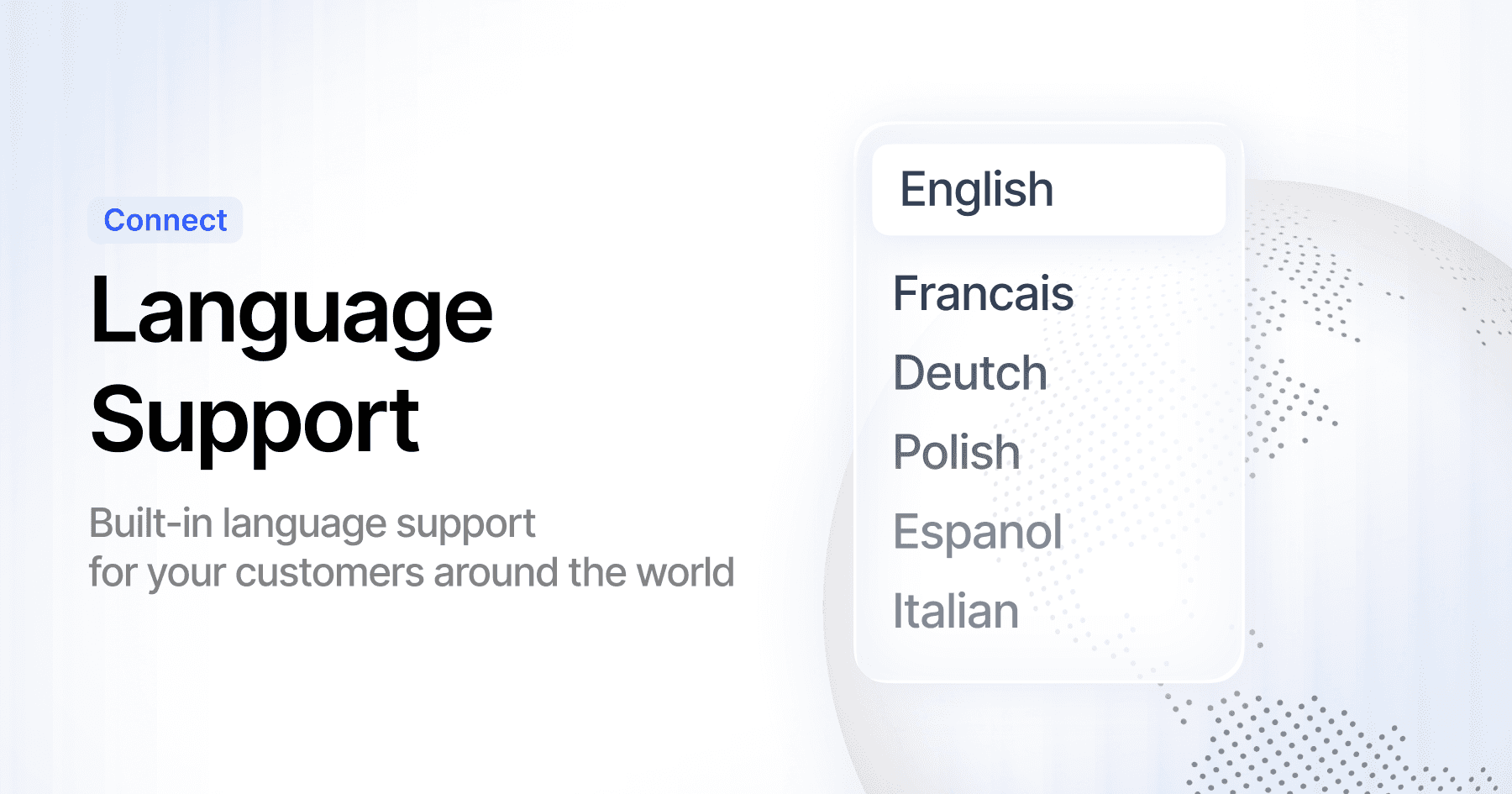
Hopae Connect WebView now supports six built-in languages, enabling fully localized verification flows for users around the world.
Supported languages:
English
Français
Deutsch
Polski
Español
Italiano
Language is selected automatically based on the user’s browser settings, and you can also override it manually using a URL parameter (e.g., ?lang=fr). This makes it easy to control localization from your application without additional configuration.
This update helps reduce friction in global verification journeys, improve completion rates, and deliver a more familiar experience for international users.
👉 Available now across all WebView-based flows.
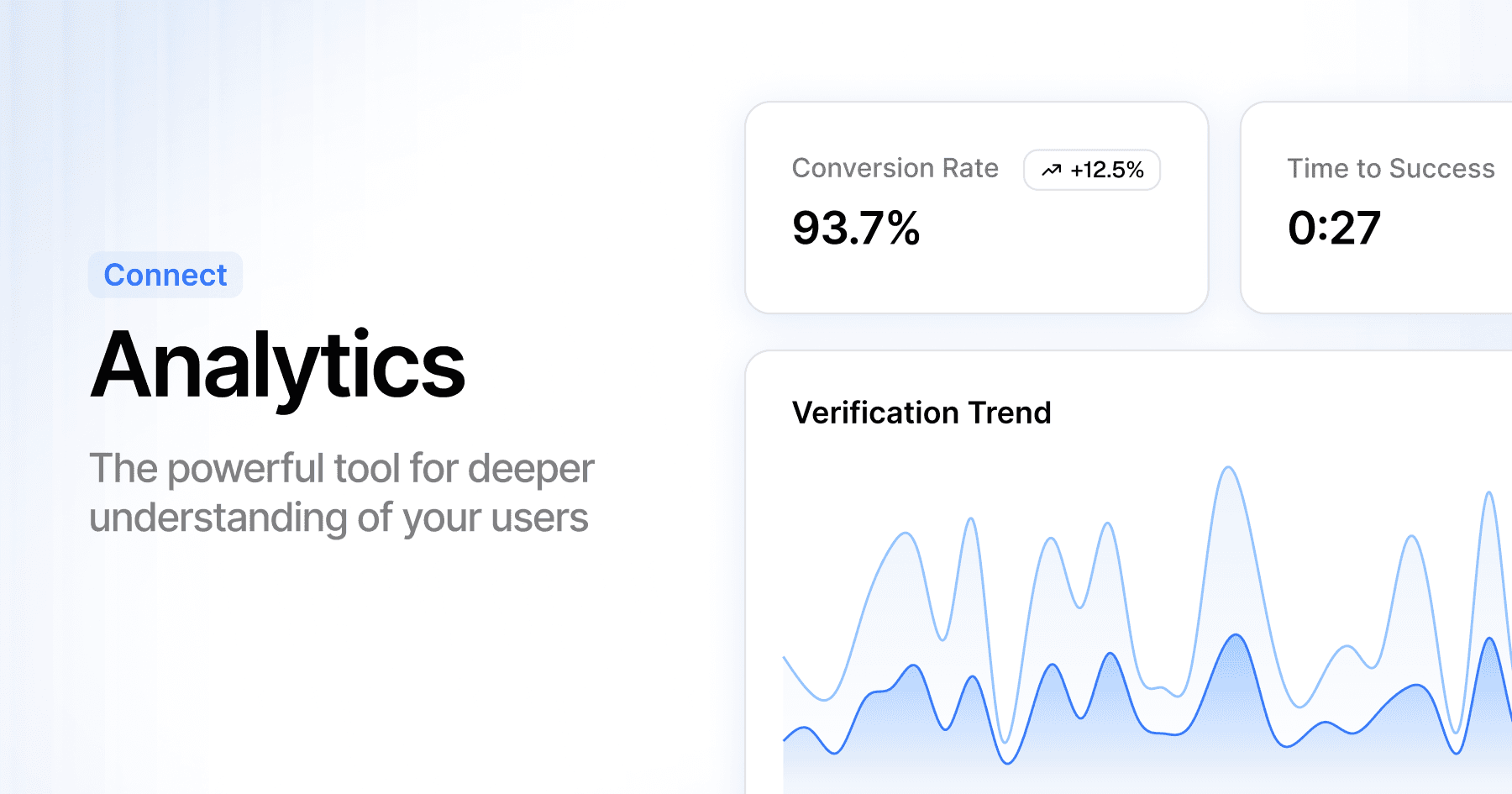
Hopae Connect now includes a new Analytics dashboard that provides clear visibility into the performance of your identity verification flows.
You can now track including:
Conversion Rate (1st Attempt) — Understand how many users complete verification successfully on their first try.
Time to Success — Measure the end-to-end time it takes users to finish an eID verification.
These metrics help you see how fast, frictionless, and widely adopted eID-based verification is across your user journeys. The dashboard updates in real time, giving teams actionable insights to optimize onboarding and reduce friction.
👉 Open the Analytics section in the Hopae Connect Console to get started.
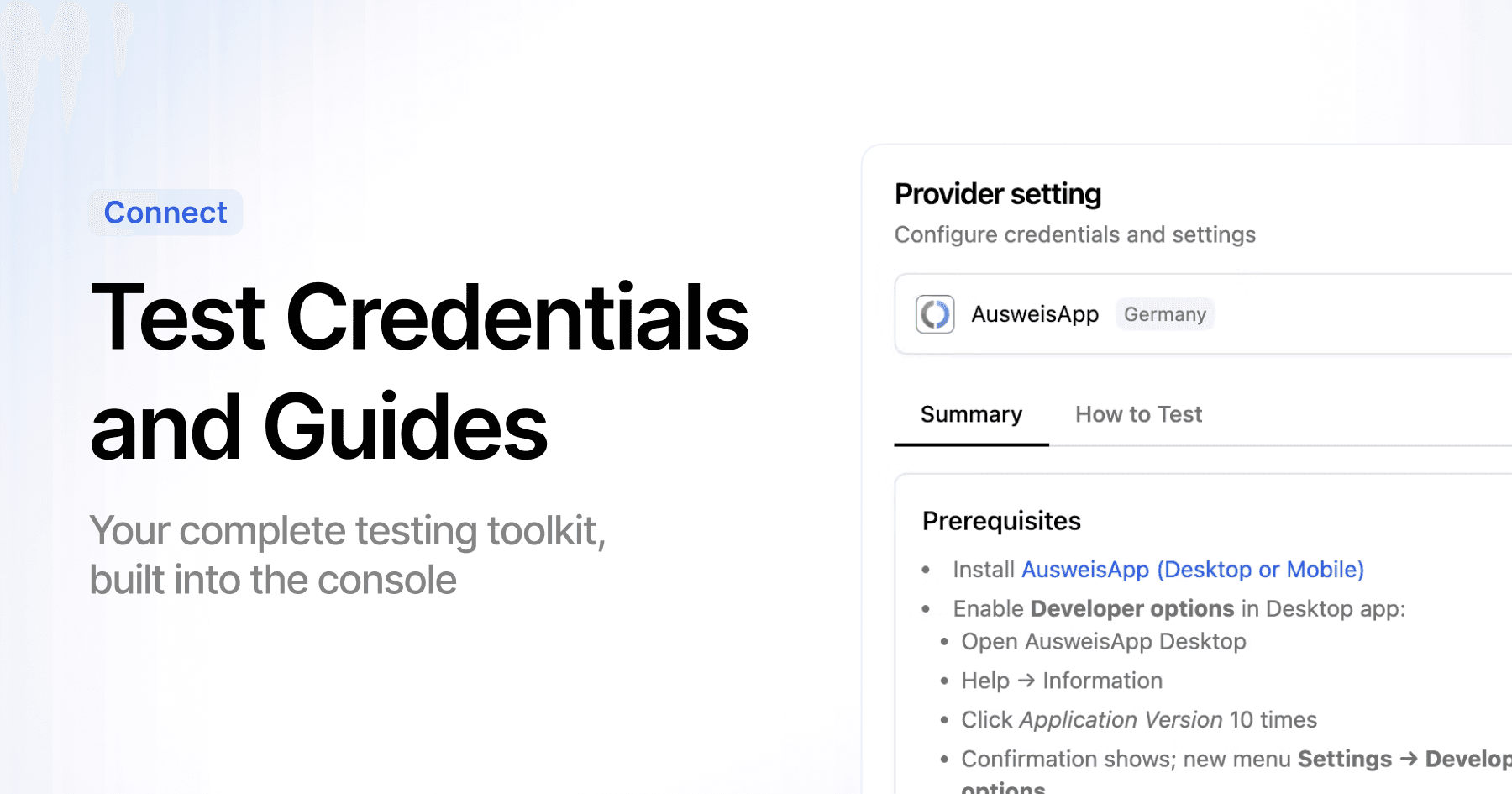
Hopae Connect now includes built-in step-by-step guides to help you set up and use test credentials for each eID provider—directly inside the Console.
You can now:
View prerequisites for each provider (apps, device settings, developer modes).
Follow clear, step-by-step testing instructions without leaving the Console.
Access sandbox-ready credentials for quick end-to-end verification.
Reduce setup time and eliminate guesswork during integration.
These guides give teams a complete testing toolkit in one place, making it easier and faster to validate your integration before moving to Production.
👉 Available now under ID Providers in the Console.

We’ve enhanced identity assurance data with ACR (Authentication Context Reference) and AMR (Authentication Method Reference)—making it easier to request, evaluate, and enforce authentication levels across regulated and high-trust environments.
Authentication Context (ACR)
Hopae now supports standards-based ACR values (RFC 6711, IANA OIDC Registry), extended with a developer-friendly numeric model:
acr (string): Standards-compliant URI (urn:hopae:loa3)
hopae_loa (int): Sortable numeric level (1 → 5)
hopae_loa_label (string): Human-readable name (“Substantial”)
This makes it simple to compare and enforce Levels of Assurance (LoA) across industries.
Authentication Method (AMR)
We now expose AMR values to show how a user authenticated:
Examples: ["pin"], ["biometric", "fido2"]
Enables step-up policies (e.g., requiring MFA or cryptographic binding)
Helps with compliance audits and adaptive access control
Developer Experience
Easy comparisons: Use hopae_loa (int) to enforce minimum LoA
Compliance ready: Use acr and amr in logs, audits, and reports
Discovery support: Exposed via OIDC discovery (acr_values_supported)
Sandbox ready: Test LoA and AMR flows with demo credentials

We’re rolling out updates that make integration smoother, testing safe, and verification more global.
Introducing: Sandbox
We've created two distinct environments for enhanced development clarity.
Production: Real user verification with live credentials
Sandbox: Safe testing with test credentials only
This separation makes it clear exactly where you’re working, helping you avoid production mix-ups.
API documentation Refresh
Get started in minutes with our updated docs:
Quick setup guides to integrate faster
Detailed dataset explanations so you can predict outcomes upfront
New eID Support
Personalauweis
We introduce Germany's official identity verification system that works with official German ID card. Users can connect via AusweisApp to verify
Dashboard Enhancement: Light and Dark Themes
Choose the display that suits your environment while reducing eye strain and battery usage with our new theme options.